
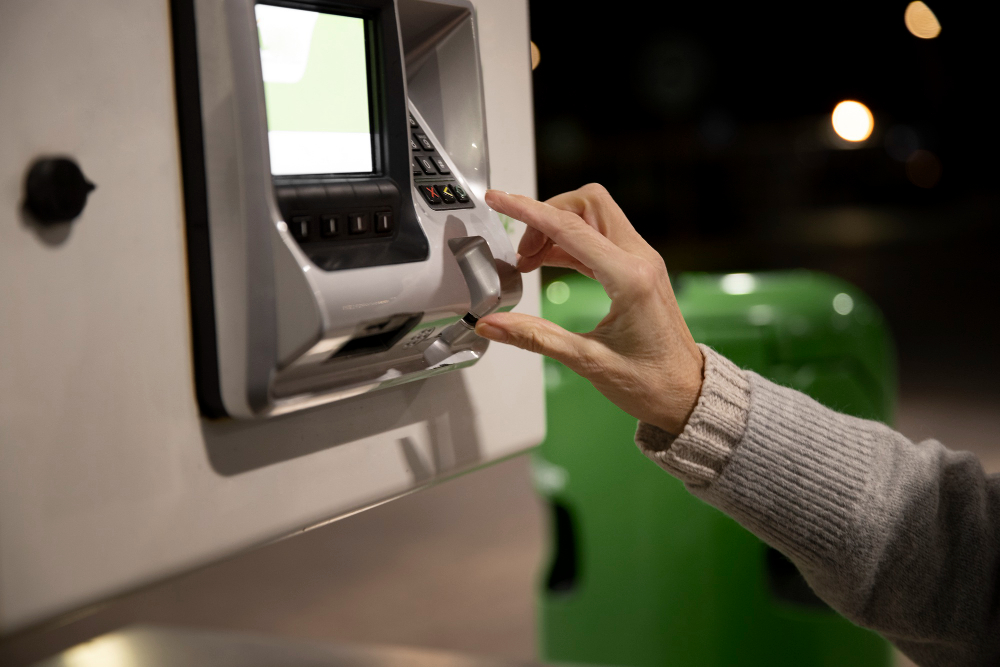
The best eSSL biometric attendance machine for you depends on how many people you have, where they work and how you run payroll. Below are the seven questions we’d want answered before you buy.
1. How many employees will use the machine?
Every device has a limit on how many fingerprints, faces, cards and transaction logs it can hold. Pick a model with 30 to 50 percent more capacity than your current headcount, so you don’t have to replace it as you hire. If more than 200 to 300 people punch at the same time, plan for two devices or you’ll get queues.
2. Fingerprint, face or card?
- Fingerprint: costs the least and works well in offices, shops and schools.
- Face recognition: touchless and fast. Best for factories, hospitals and sites where fingerprints get worn.
- RFID card: handy as a backup or for visitors, but cards can be shared.
Many eSSL devices take more than one method, so you aren’t locked into a single choice. For the full comparison, read face recognition vs fingerprint attendance.
3. How will you get the data off the machine?
- USB: copy the logs to a pen drive. Fine for one small office.
- LAN (TCP/IP): the software pulls data over your network automatically.
- Wi-Fi or cloud: the sensible route for several branches, or an HR team that sits somewhere else.
4. Do you need door access control?
If the same device should open a door, pick a model with access control support and budget for an EM lock, an exit button and a power supply. Our page on eSSL access control systems explains the parts.
5. What software will you use?
Check that the attendance software can cope with your shift patterns, night shifts, weekly offs, overtime and leave rules. Then check that its reports export in a form your payroll system accepts.
6. Power backup and environment
If power cuts are common, get a device with battery backup or run it off a UPS. Outdoors or in dusty areas, use a protective enclosure, and keep direct sunlight off face recognition cameras.
7. Installation and after-sales support
Proper installation and a local support partner matter more than a small difference in price. Make sure someone will be around to help with enrolment, software problems and repairs. Here’s what our installation and AMC services cover.
Quick recommendations by business type
| Business Type | Recommended Type | Connectivity |
|---|---|---|
| Small office (under 50 staff) | Fingerprint + card | USB / LAN |
| Mid-size office (50 to 300) | Face + fingerprint | LAN |
| Factory / warehouse | Face recognition | LAN / cloud |
| Multi-branch business | Face or fingerprint | Cloud |
| School / college | Fingerprint or face | LAN |
Where to start with an eSSL biometric attendance machine
Start with your headcount, the working conditions and how payroll is done. The verification method and connectivity usually follow from those three. If you’d like us to suggest a model, contact us for a consultation and quote.